August 5, 2026
Email Marketing Automation: A Beginner’s Guide for Owners
Learn how email marketing automation works, what to automate first, and how to build a simple system that saves time and drives sales.

Email Marketing Automation: A Beginner’s Guide for Business Owners
Email marketing automation helps you send the right message to the right person at the right time—without manually writing and sending every email yourself. For business owners, that means less repetitive work, more consistent follow-up, and a better customer experience.
Done well, automation does more than save time. It helps you turn interest into action, new leads into customers, and first-time buyers into repeat buyers. The key is to start simple and build a system that supports your sales process.
What email marketing automation actually is
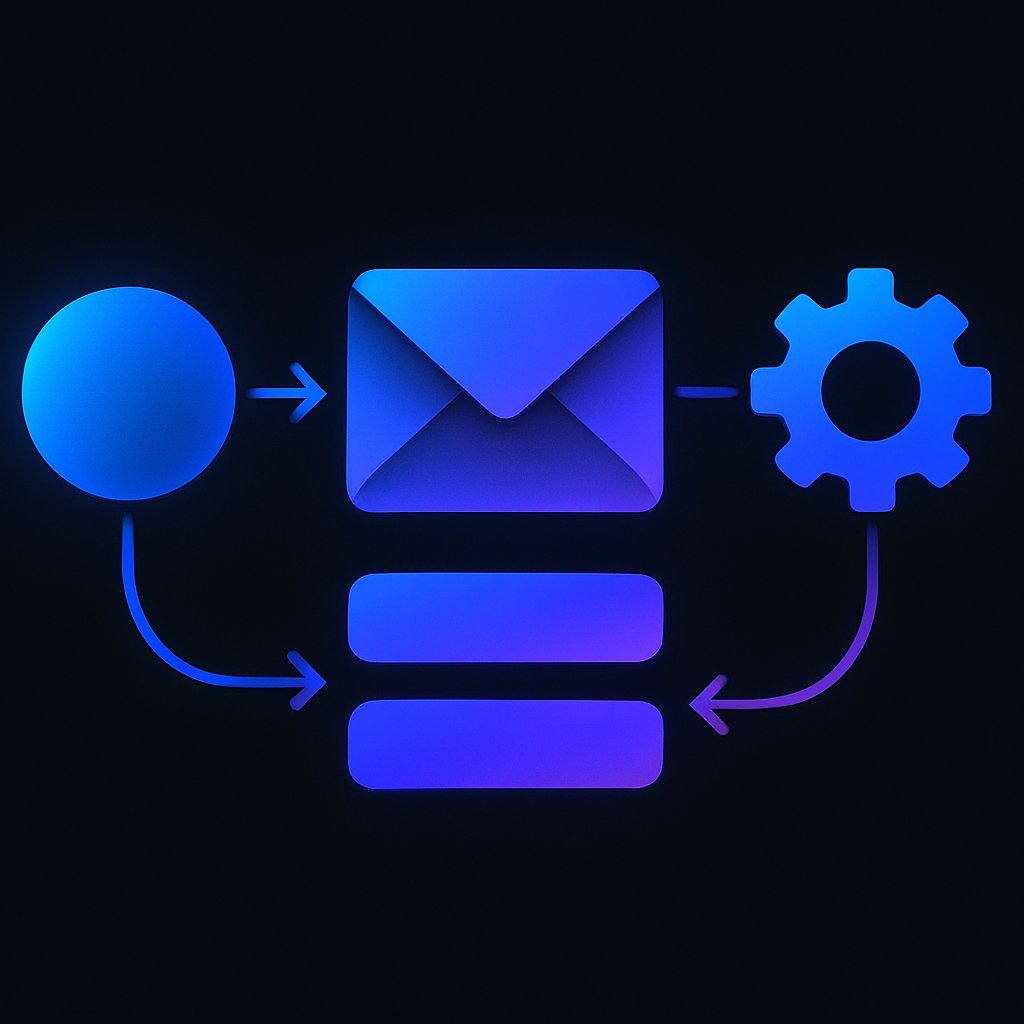
Email marketing automation is a set of pre-built email actions triggered by a user’s behavior or stage in your funnel. Instead of sending one-off campaigns only, you create workflows that run automatically based on events such as:
- Someone joins your email list
- A lead downloads a guide or fills out a form
- A customer makes a purchase
- A subscriber clicks a link
- A contact has not engaged for a while
These workflows can welcome new leads, nurture them with helpful content, remind them about unfinished actions, or re-engage people who have gone quiet.
The goal is simple: reduce manual follow-up while improving timing and relevance.
Why business owners should care
Most businesses lose opportunities because follow-up is slow, inconsistent, or nonexistent. Automation solves that problem by making your communication dependable.
Here are the main benefits:
1. Better lead follow-up
When someone shows interest, timing matters. An automated welcome or nurture sequence keeps your brand top of mind while the lead is still warm.
2. More efficient operations
Automation removes repetitive tasks from your team’s plate. That means less time spent sending individual emails and more time focused on strategy, sales, and service.
3. More consistent customer journeys
People rarely buy the first time they hear from you. Automation helps guide them through each stage with messages that fit their needs.
4. Higher retention and repeat sales
You can use automation after a purchase to educate customers, request feedback, or recommend related products and services.
The first automations every business should build
You do not need a large or complex system to get value from email automation. Start with a few essential workflows that support your business goals.
Welcome sequence
This is the first email series a new subscriber receives. It should introduce your business, set expectations, and deliver immediate value.
A simple welcome sequence may include:
- A thank-you email
- A short introduction to your business
- A helpful resource or next step
- A message that highlights what the subscriber can expect next
Lead nurture sequence
If someone downloads a guide, requests information, or signs up for a consultation, use a nurture sequence to educate them and build trust. Keep the content focused on their problem, not just your service.
Abandoned action follow-up
If your business uses forms, booking flows, or checkout processes, automated reminders can recover lost opportunities. These emails should be helpful and clear, not aggressive.
Post-purchase sequence
After a sale, continue the relationship. Share onboarding instructions, usage tips, support resources, and related offers when appropriate.
Re-engagement sequence
Over time, some subscribers stop opening emails. A re-engagement workflow can help you identify who is still interested and remove those who are no longer active.
How to build a simple automation system
A useful automation strategy begins with your customer journey. Before setting up any tools, map out the path from first contact to conversion.
Ask these questions:
- How do people first discover your business?
- What action shows they are interested?
- What information do they need before they buy?
- What happens after the purchase?
- Where do leads typically drop off?
Once you understand the path, build workflows around those moments.
Step 1: Define one clear goal
Each automation should have a purpose. For example, your goal might be to increase booked consultations, move leads to a sales call, or improve repeat purchases.
Step 2: Choose a trigger
The trigger starts the workflow. Examples include form submission, list signup, product purchase, or inactivity.
Step 3: Write the email sequence
Keep each email focused on one action. Use concise subject lines, clear calls to action, and language that reflects your brand.
Step 4: Set timing and conditions
Decide how often emails should send and whether certain actions should stop or change the sequence.
Step 5: Test and refine
Check open rates, click behavior, and conversion points. If the sequence is not performing, adjust the message, timing, or offer.
Common mistakes to avoid
Automation is powerful, but it can create problems if it is set up without strategy.
Sending too much too soon
A long sequence with daily emails can overwhelm people. Start with a lighter cadence and build only when needed.
Making every email promotional
If every message asks for a sale, subscribers will disengage. Provide useful content, context, and trust-building information.
Ignoring segmentation
Not every subscriber has the same intent. Separate leads, customers, and inactive contacts so messages stay relevant.
Forgetting the handoff to sales or support
Automation should support your team, not replace important human interactions. Make sure there is a clear path for follow-up when a lead is ready.
Setting it and forgetting it
Workflows need regular review. Business offers change, customer questions evolve, and old messaging can become outdated.
Tools and setup considerations
The best platform depends on your stack, team, and customer journey. Look for a system that can handle list management, segmentation, triggers, analytics, and integration with your website, CRM, or booking tools.
If your business depends on custom processes, a tailored setup may be more effective than forcing everything into a generic platform. That is where software development and automation strategy can make a major difference.
Actionable takeaways
If you want to get started this week, focus on these three steps:
- Build a welcome sequence for every new subscriber.
- Automate one high-value follow-up, such as a lead nurture or post-purchase email.
- Review your current customer journey and identify where manual follow-up is slowing you down.
Start small. Measure the results. Then expand the workflows that create the most value.
Final thoughts
Email marketing automation is not about sending more email. It is about building a reliable communication system that supports growth without adding unnecessary work.
For business owners, the opportunity is straightforward: automate the right moments, improve the customer experience, and free your team to focus on work that moves the business forward.
When strategy, messaging, and technology are aligned, email automation becomes one of the most practical growth systems in your business.